Get your book
ready for print and Amazon KDP.
Upload your finished manuscript and get a print-ready paperback interior, a Kindle eBook file and a full cover with spine, in minutes.
✓Automated formatting✓Full cover with spine
📚 Trim size, gutter, bleed and spine width set to KDP specs
$49, one-time payment. Interior PDF, EPUB, Word file and 4 full covers.
Interior + cover
Formatting and cover design in one app.
Your words stay exactly as you wrote them. The software sets the interior and builds a full cover to KDP specs, and you download every file in minutes.
Interior formatting
A professionally typeset paperback interior: your trim size and typeface, mirrored margins with a KDP-safe gutter, a table of contents, running heads and page numbers.
What you get
- ✓Print-ready interior PDF for your KDP paperback
- ✓Editable Word file (DOCX)
- ✓EPUB for your Kindle eBook
- ✓An online editor to fine-tune every page
Cover generator
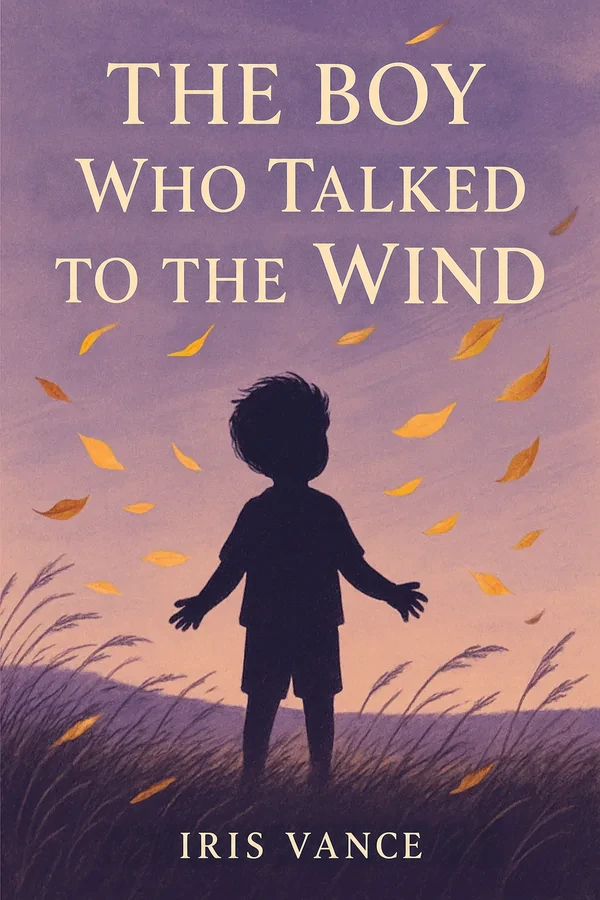
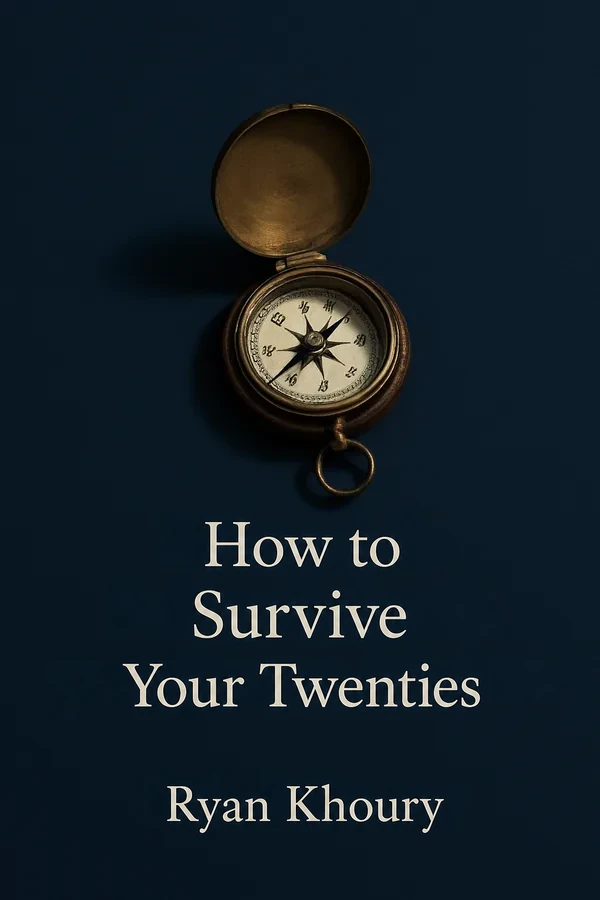
A full paperback cover (front, spine and back) generated from your book, sized to your trim and page count, and editable in your browser.
What you get
- ✓4 full covers in print-ready PDF
- ✓Editable typeface, colors, title placement and back-cover copy
- ✓Spine width calculated from your page count
Free preview
See your book typeset before you pay.
Choose a trim size, typeface and margins, upload your manuscript and watch the first pages take shape in real time, set to KDP print specs.
Trim size
Not sure? 6 × 9 in is the most common paperback size and suits most nonfiction; novels usually look best at 5 × 8 or 5.5 × 8.5 in. You can change it later in the editor.
Typeface
Font size
Margins
Page numbers
Table of contents
page 2 of 4
Actual-size sample. Upload your manuscript to see your own book.
Pricing
Everything your book needs to publish.
What you get
Interior formatting
- ✓Print-ready interior PDF for your KDP paperback
- ✓Editable Word file (DOCX)
- ✓EPUB for your Kindle eBook
- ✓Online editor to fine-tune every page
Cover design
- ✓4 full covers with spine, in print-ready PDF
- ✓Editable typeface, colors and back-cover copy
$49one-time payment
🔒 Secure checkout🛡️ 14-day money-back guarantee✓ Built to Amazon KDP specs
Pay once. No subscription, no hidden fees.
After formatting
A full editor for every detail of your book.
When your first layout is ready, open the editor in your browser and refine anything: text, headings, images, colors and sections. Then export fresh PDF, EPUB and Word files with your changes.
yourbookready.com/editor
BIUH1H2
Where It All Began
There was something in the air that morning that no one could explain. The wind came in from the sea, carrying the scent of salt and an old promise.
The Reunion
And it was there, among the wet stones, that the story truly began.
your image
Edit the textChange the colorsAdjust the imagesAdd sections
Cover generator
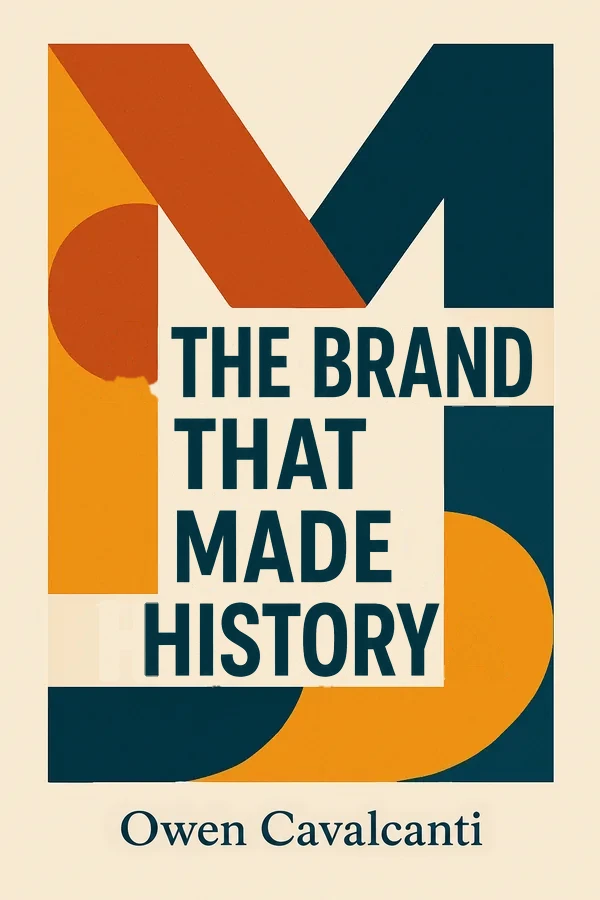
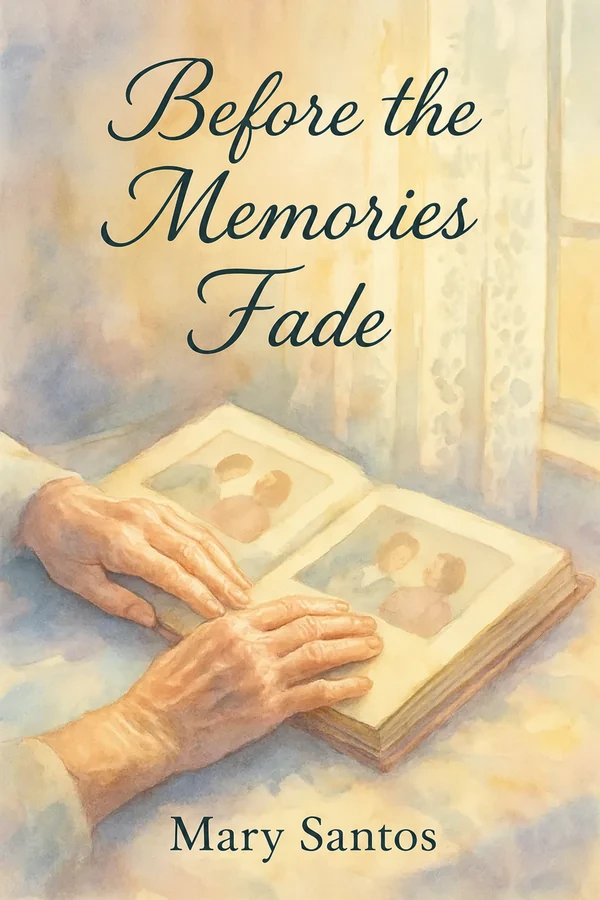
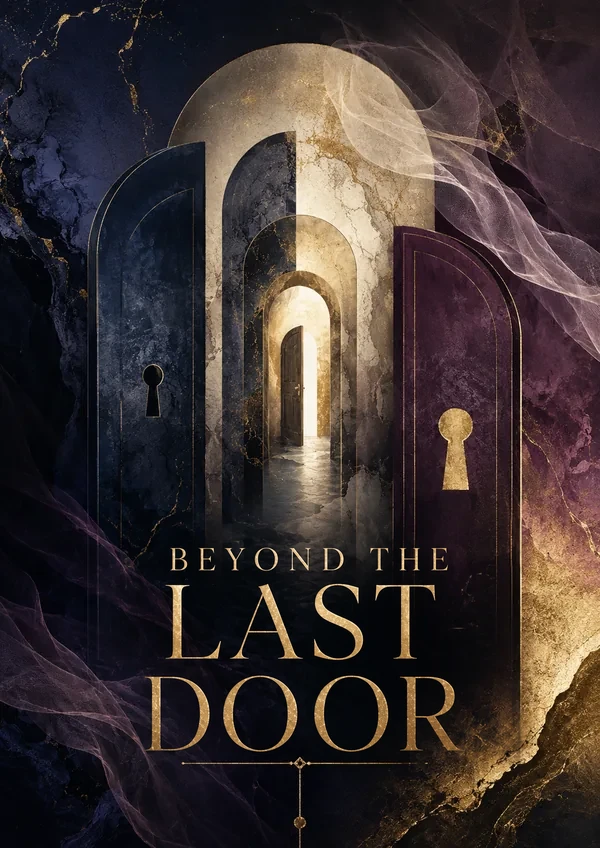
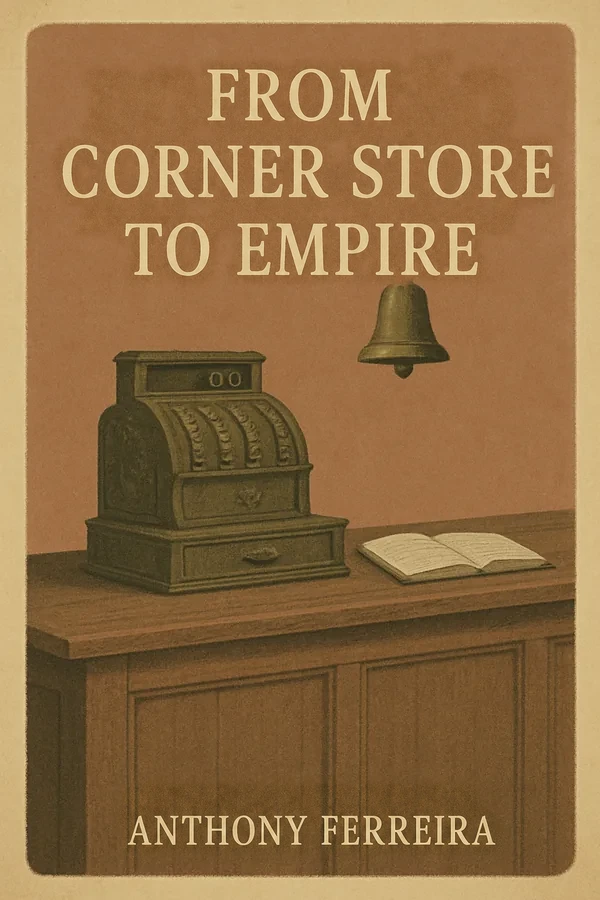
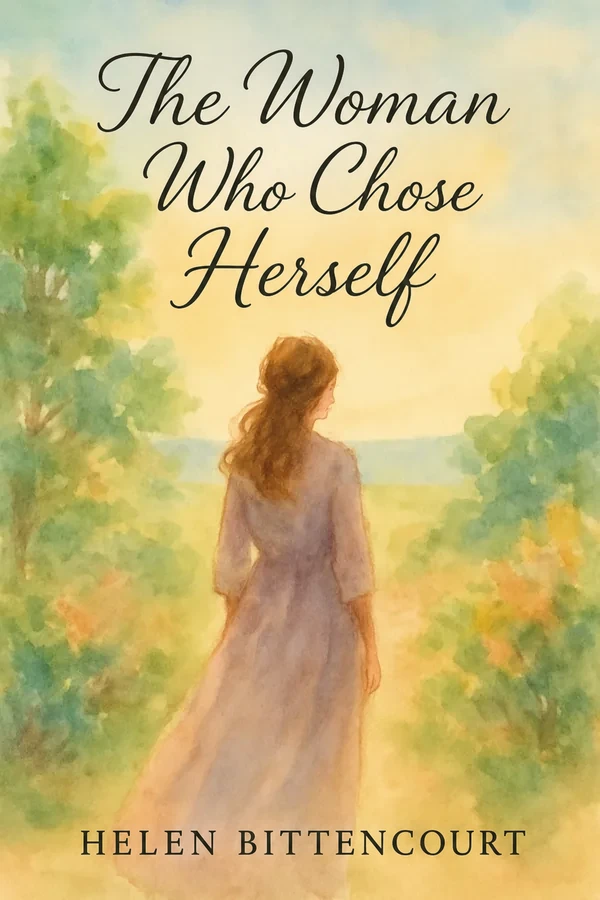
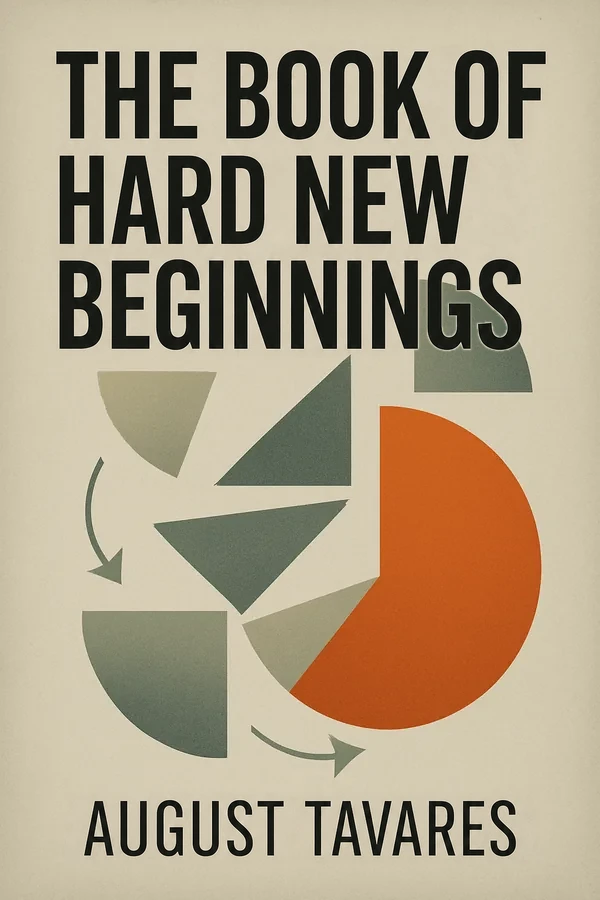
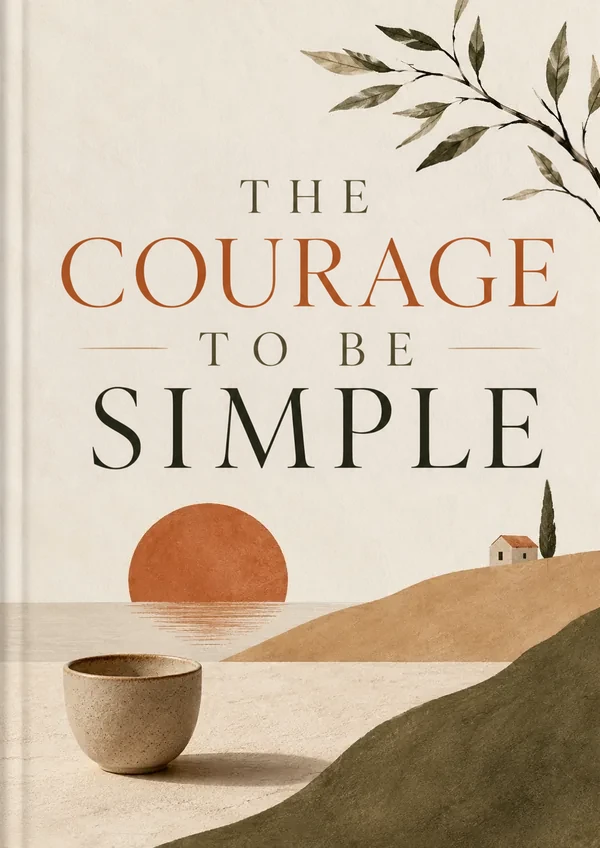
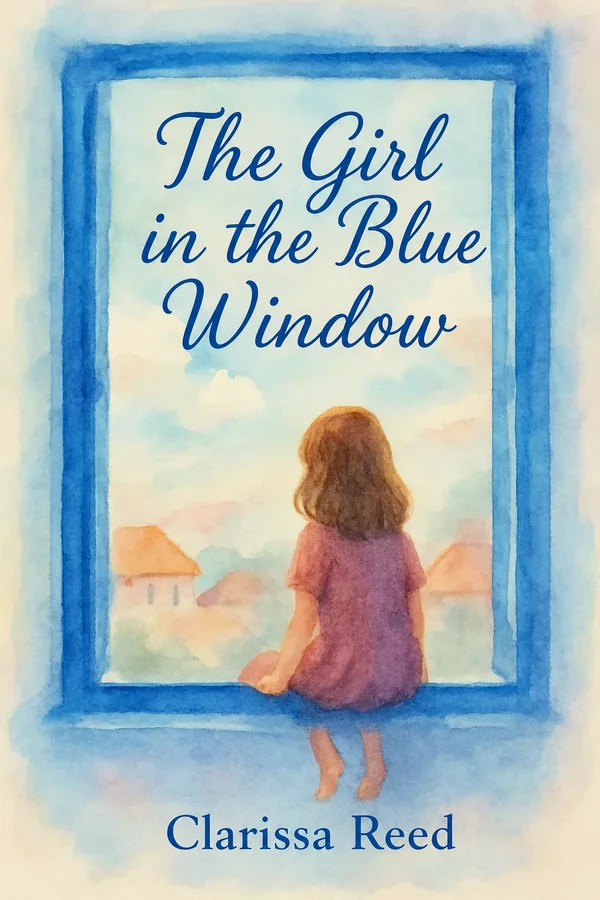
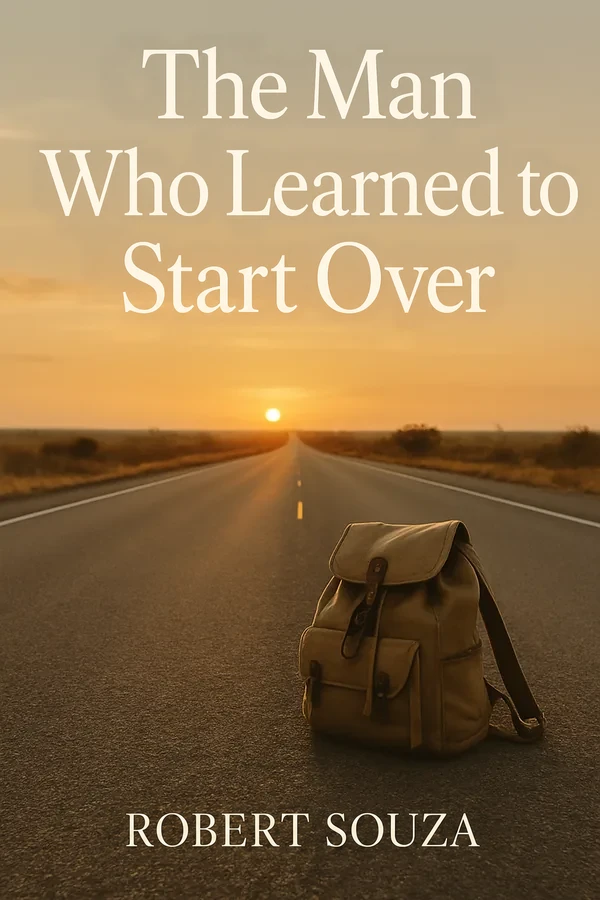
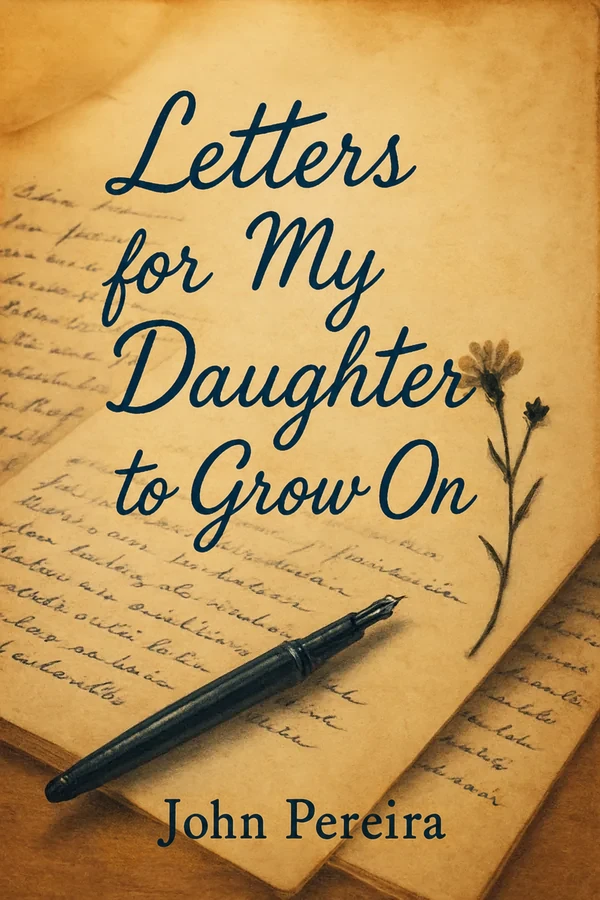
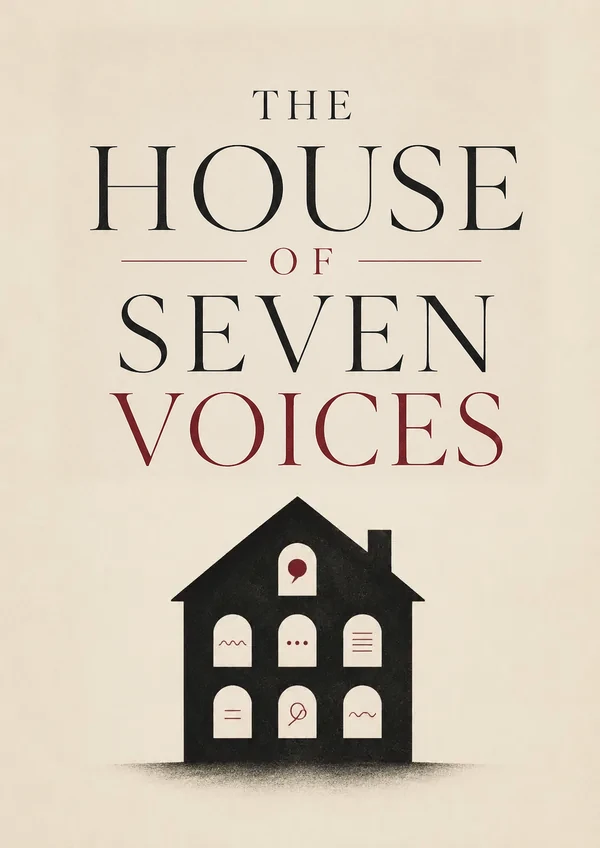
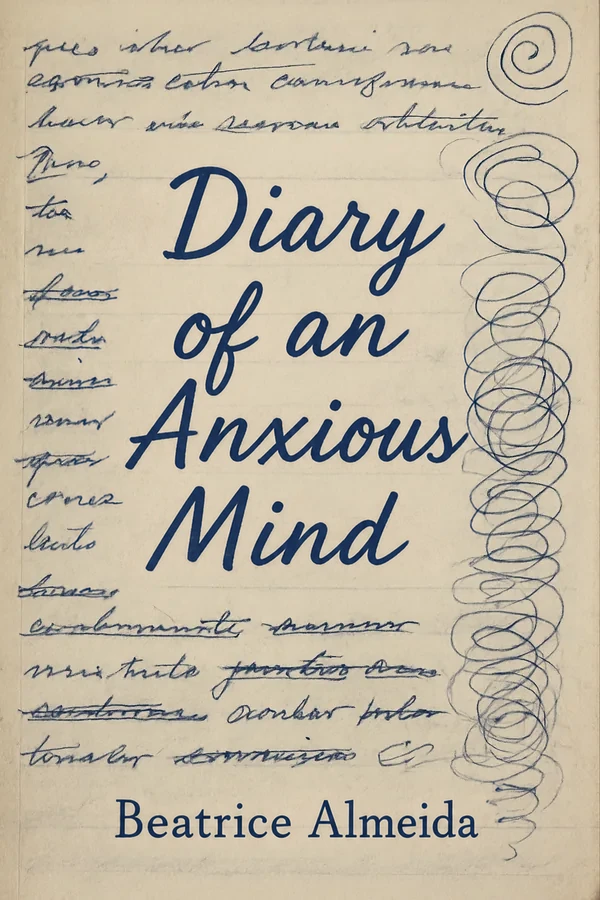
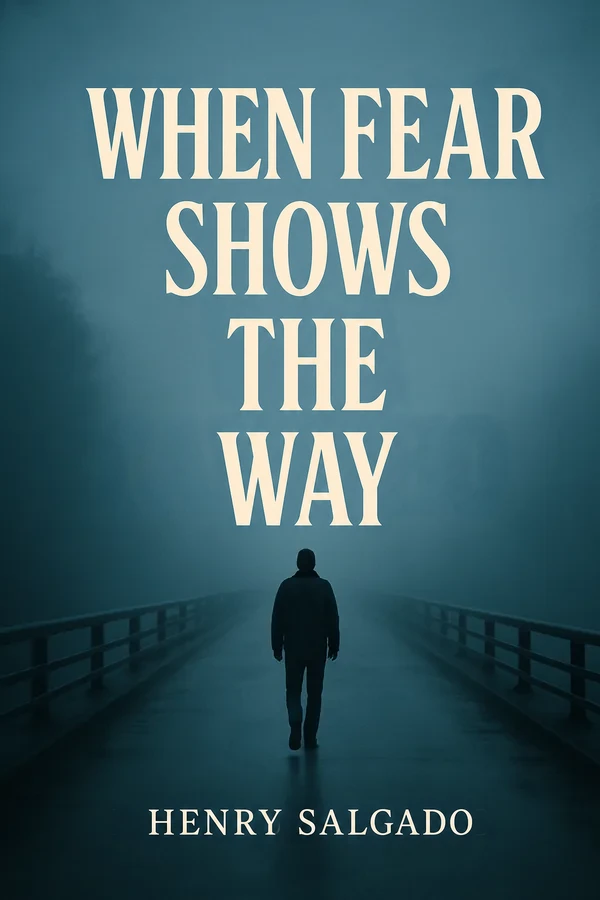
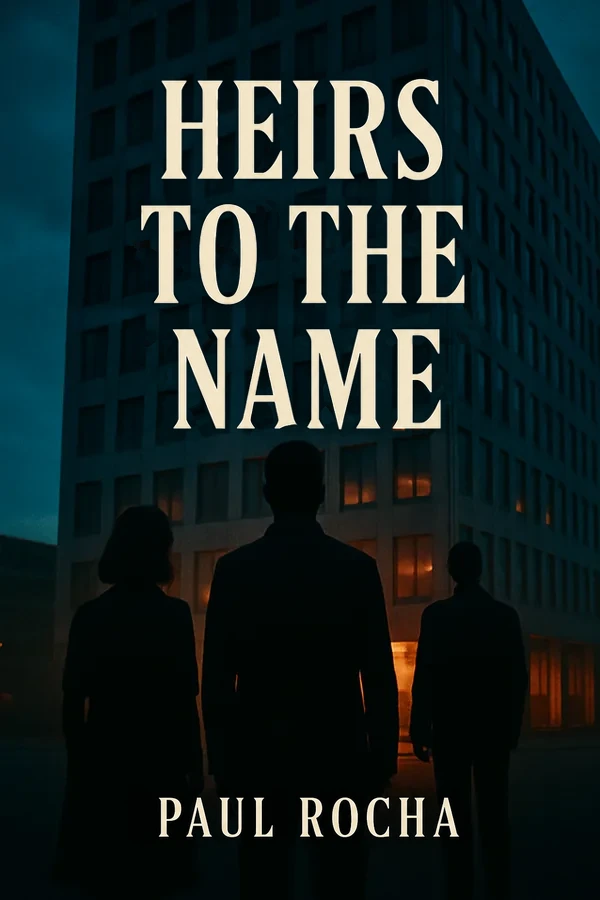
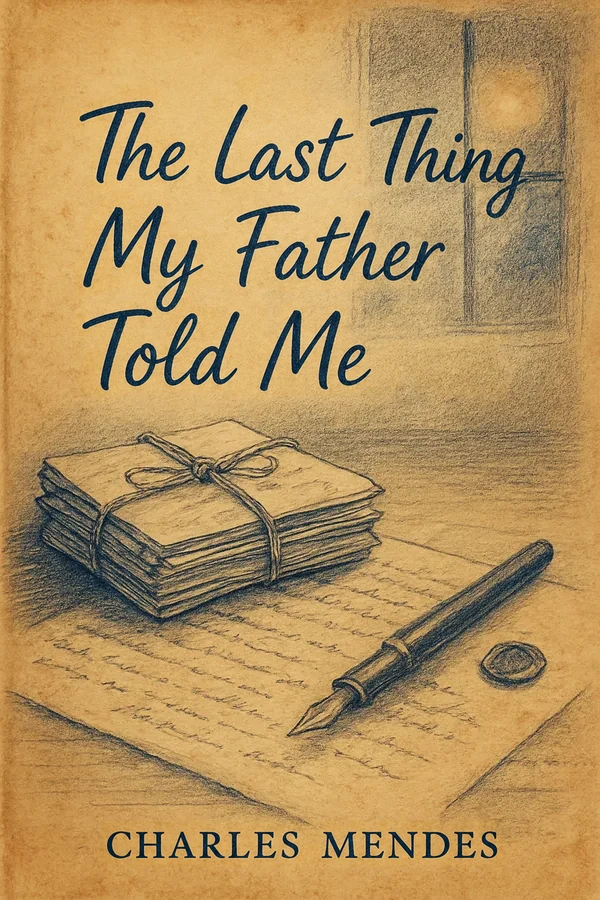
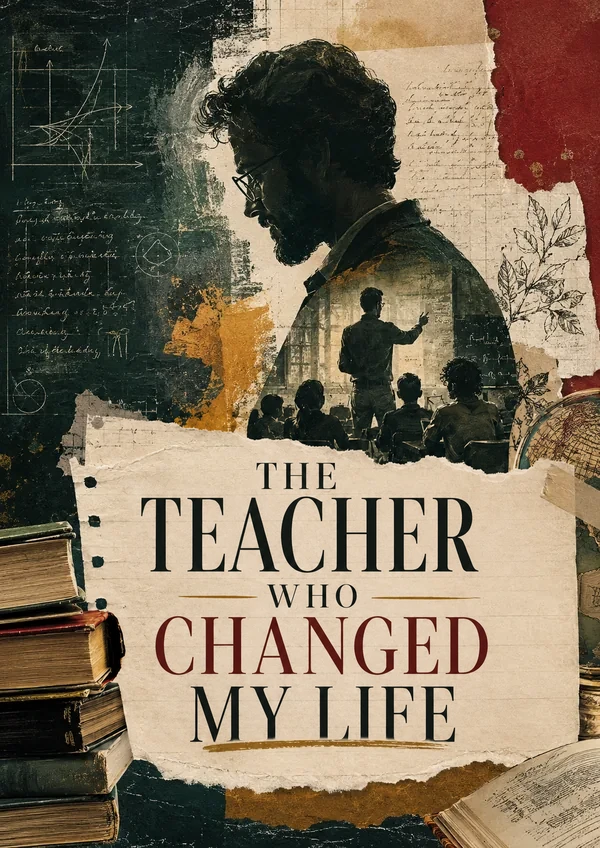
Readers judge a book by its cover.
You get 4 full covers (front, spine and back) generated from your book and editable live: typeface, colors, title placement and back-cover copy. Every file is sized to Amazon KDP specs.






Pricing
Everything your book needs to publish.
What you get
Interior formatting
- ✓Print-ready interior PDF for your KDP paperback
- ✓Editable Word file (DOCX)
- ✓EPUB for your Kindle eBook
- ✓Online editor to fine-tune every page
Cover design
- ✓4 full covers with spine, in print-ready PDF
- ✓Editable typeface, colors and back-cover copy
$49one-time payment
🔒 Secure checkout🛡️ 14-day money-back guarantee✓ Built to Amazon KDP specs
Pay once. No subscription, no hidden fees.
Frequently asked questions
Still have questions?
How does YourBookReady work?+
Upload your finished manuscript as a Word, PDF or text file. The software detects your chapters, typesets the interior at the KDP trim size you choose and generates a full cover. A few minutes later you download a print-ready PDF, an EPUB and a Word file.
Do I need design skills or software?+
No. Everything runs in your browser. Upload your text and you get a formatted book with a cover. If you want to change anything, the visual editor needs no installation and no design experience.
Are the files ready for Amazon KDP?+
Yes. The interior PDF is set at the KDP trim size you choose, with the minimum inside margin (gutter) KDP requires for your page count. The cover is a single PDF with back, spine and front, 0.125 in bleed on every edge and a spine width calculated from your page count. The EPUB is ready to upload as your Kindle eBook.
Which settings do I choose on KDP?+
For the paperback, choose a black & white interior on white paper, the same trim size you chose here and “No bleed”. Upload the interior PDF as your manuscript and the cover PDF as your cover. For the Kindle eBook, upload the EPUB. Cream paper is not supported yet, because it makes the spine wider than the cover file.
Which trim size should I choose?+
6 × 9 in is the most common paperback size in the U.S. and suits most nonfiction. Novels and memoirs often look best at 5 × 8 or 5.5 × 8.5 in. You can switch between the three later in the editor; save your cover again afterwards so it matches the new size.
What files do I get?+
A print-ready interior PDF for your paperback, an EPUB for your Kindle eBook, an editable Word file (DOCX) and 4 full covers (front, spine and back) in print-ready PDF. You can edit each cover’s typeface, colors, title placement and back-cover copy in your dashboard.
Do I need an ISBN or a barcode?+
Not for the Kindle eBook. For the paperback, KDP gives you a free ISBN, or you can use your own; add it to your copyright page in the editor. You don’t need to make a barcode: the back cover keeps a 2 × 1.2 in area clear, and KDP prints the barcode there.
Do I need to tell Amazon that AI was used?+
KDP asks whether your book contains AI-generated text, images or translations. Cover art from YourBookReady is generated with AI, so answer yes for images, and if you publish a translated edition from YourBookReady, answer yes for translations too. Your manuscript is typeset as you wrote it, so the answer for text depends only on how you wrote it.
Can I see my book before I pay?+
Yes. Upload your manuscript to see the first pages typeset, free and with no account.
Can I make changes after my book is done?+
Yes, as many as you need. The online editor lets you change text, headings, images, sections, typeface and trim size, then export fresh PDF, EPUB and Word files at no extra cost.
Do you edit or proofread my text?+
No. Your text is typeset exactly as you wrote it, so have it proofread before you upload. If you spot a typo later, fix it in the online editor and export new files.
How much does it cost?+
$49, paid once. No subscription and no hidden fees. Sales tax or VAT, where it applies, is shown at checkout before you pay. Payments are processed by Paddle, our Merchant of Record.
Are there any extra costs?+
Only if you want them. Once your book is ready, you can add a translated edition ($19 per language), a publishing kit with your Amazon description, keywords and launch materials ($29), or four more cover designs ($19). Each is a one-time payment.
What if I’m not happy with the result?+
You’re covered by a 14-day money-back guarantee. Request a refund within 14 days of purchase and you get your money back in full.
How long does it take?+
Minutes. The interior is usually ready a few minutes after you confirm your book, and the covers follow shortly after.
What kinds of books work best?+
Text-driven books: novels, memoirs, biographies, self-help, business, faith, poetry and nonfiction with some images. Upload DOCX, PDF or TXT. Picture-heavy layouts such as children’s picture books, cookbooks and workbooks are not a good fit yet.